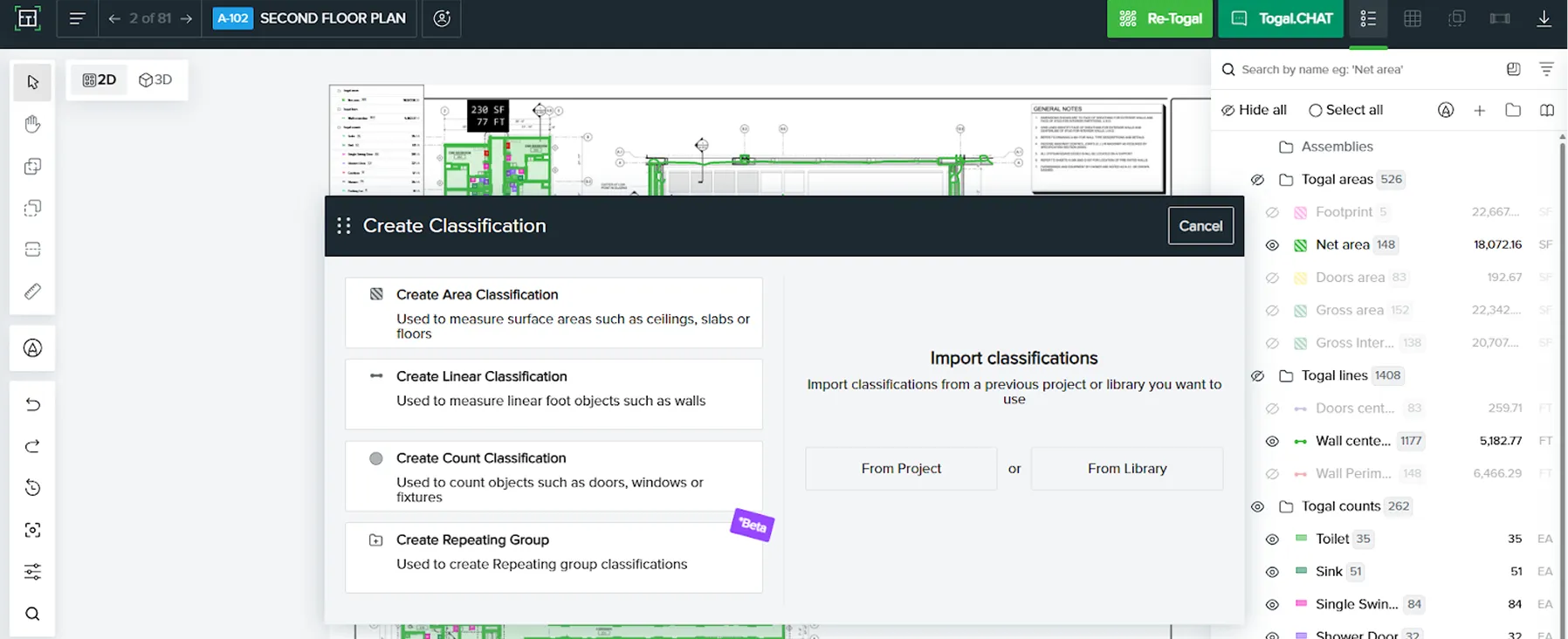
Talk to your projects.
Stop clicking through them.
Connect Togal.AI to your favorite AI tool. Ask for what you need in plain English, and the agent acts as your personal assistant to get it done inside Togal.AI.

A universal adapter for your takeoffs.
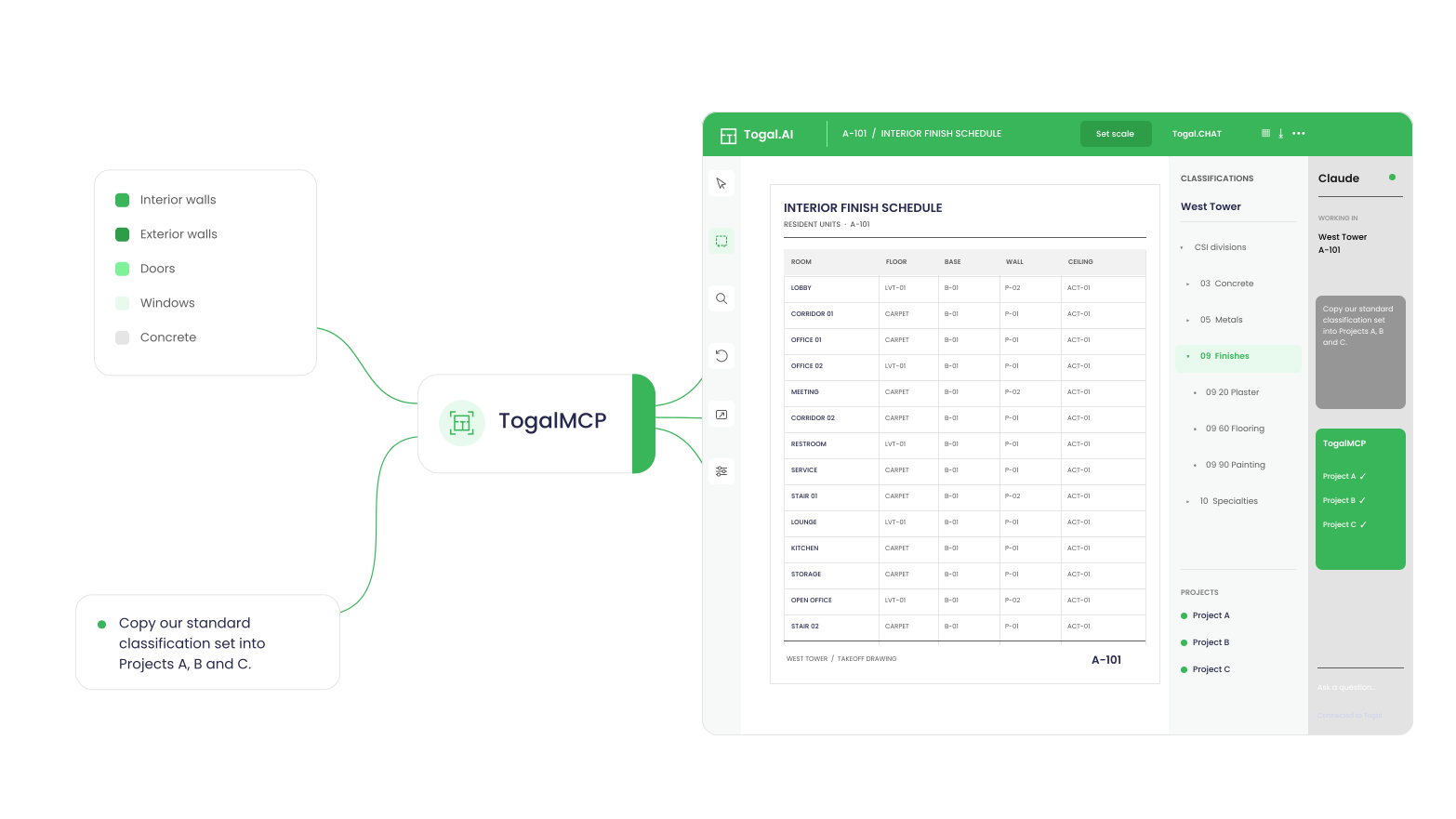
Togal already gives you 4X faster takeoffs than legacy tools. TogalMCP speeds up the work around them by connecting AI assistants like Claude to Togal.
Hundreds of clicks could become one prompt.
How it works
Works with popular AI assistants like Claude, Cursor, and more.
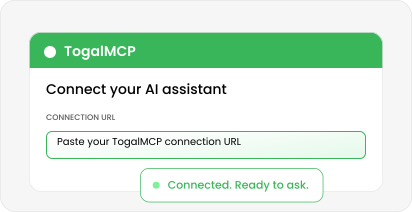
Add the connector.
In your AI tool, add a custom connector: mcp.togal.ai
Sign in as yourself.
Use your normal Togal login and approve the connection.
Start asking.
Access lasts 7 days, then you sign in again. That’s on purpose.
The busywork around takeoffs, handled.
No developer required.
Paste one URL and sign in. Then ask in plain English.
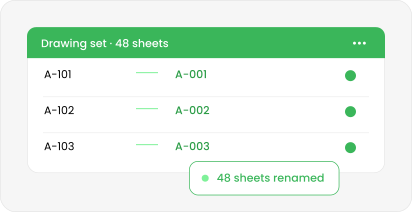
Bulk work, done once.
Hundreds of clicks become one request: “Rename every sheet in this set to match the drawing numbers.”
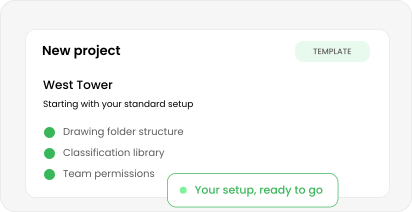
New projects in one prompt.
Duplicate your template, copy your classification set, and rebuild the folder structure in one request. Setup no longer takes the whole morning.
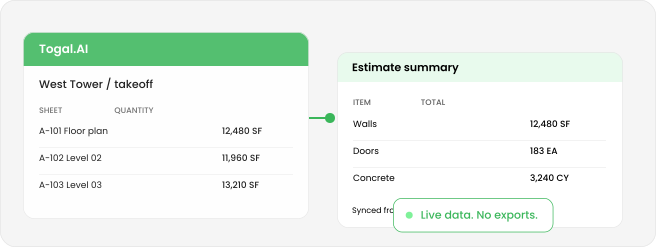
Data where you actually work.
Read from Togal and write straight to a spreadsheet, a summary email or a report. No more exporting and re-importing.
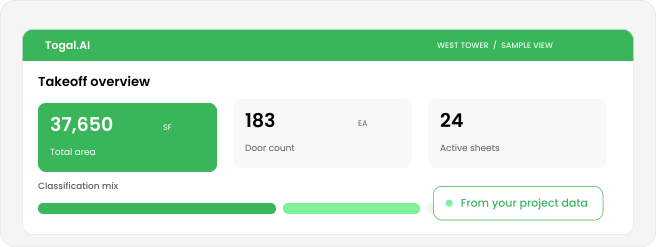
Instant insights.
See the project data that was always in Togal.AI, but hard to find.
Example prompts
Try asking.
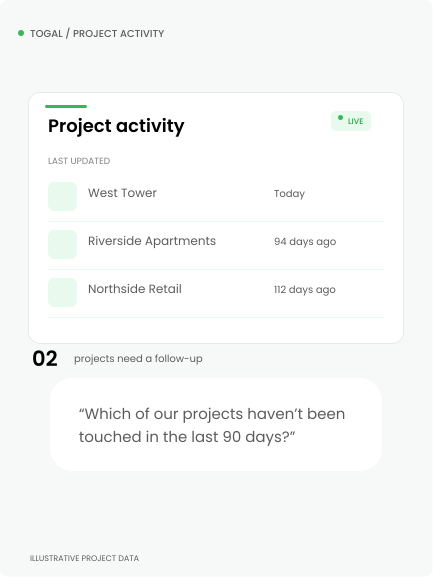
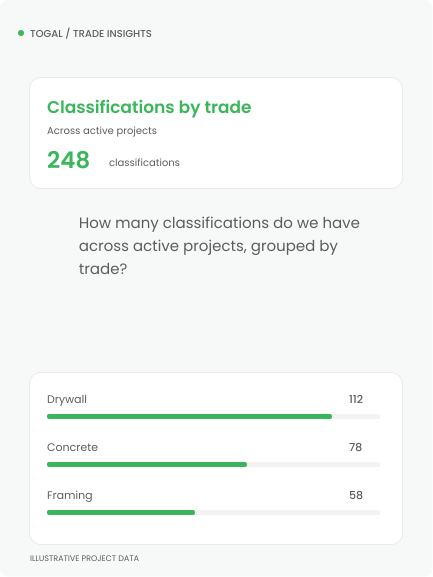
One clear request can replace a long sequence of clicks.
One URL. No API key.
Works with popular AI assistants like Claude, Cursor, and more.
In your AI tool, add a custom connector: mcp.togal.ai
Use your normal Togal login and approve the connection.
Access lasts 7 days, then you sign in again. That’s on purpose.
Same login.
Same permissions.
You’re in control.
Built with your security in mind
No extra access. If you can’t delete a project in Togal, your assistant can’t either.
Requests go straight to Togal. The connector keeps no copy of your projects.
Third-party integration endpoints are never exposed.
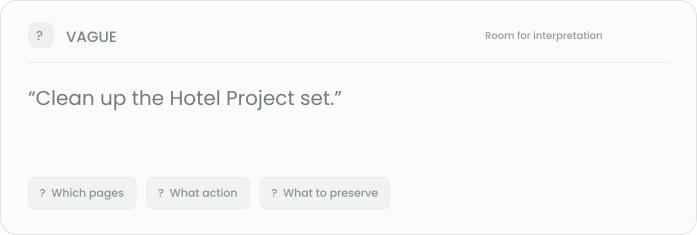
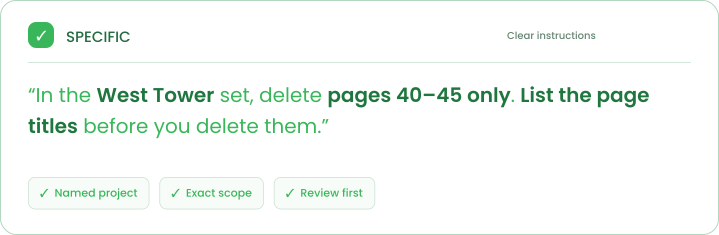
A better way to ask
Clear prompts get the job done right.
TogalMCP can read, edit, and delete — so the more specific you are, the less your assistant has to guess.
Questions? We’re here to help.