Painting Takeoff Software Built for Painting Contractors
Togal.AI is cloud-based takeoff software, and painting is the trade it fits fastest. Upload plans and get surface area measurements for walls, ceilings, baseboards, trim, doorframes and exterior walls straight off the digital plans. Wallcovering comes off the same set.
Your estimator reviews the square footage instead of tracing it.





Painting takeoff software that's 4X faster



What slows painting estimators down
Nothing on a set of drawings is labelled with a paintable area. Everything a painting business bids has to be built from parts that live on different sheets.
Surface area is never given, only derived.
Architects dimension plans in length. You need length times height, minus every opening, per finish. Three numbers from three places before one wall has a figure.
Ceiling heights are not on the floor plan.
They sit in sections, elevations and the reflected ceiling plan, and they change room to room. Miss one drop ceiling and the whole area is wrong.
The finish schedule is a separate document.
Room 214 gets a paint code, the code lives in a schedule, the schedule lives elsewhere. Matching every space to its finish is the job, and it is done by eye.
Repetition punishes you twice.
200 guest rooms sharing one finish means two hundred identical takeoffs by hand, and one wrong assumption repeated two hundred times.
How Togal runs a painting takeoff, room measured once

One button, every surface
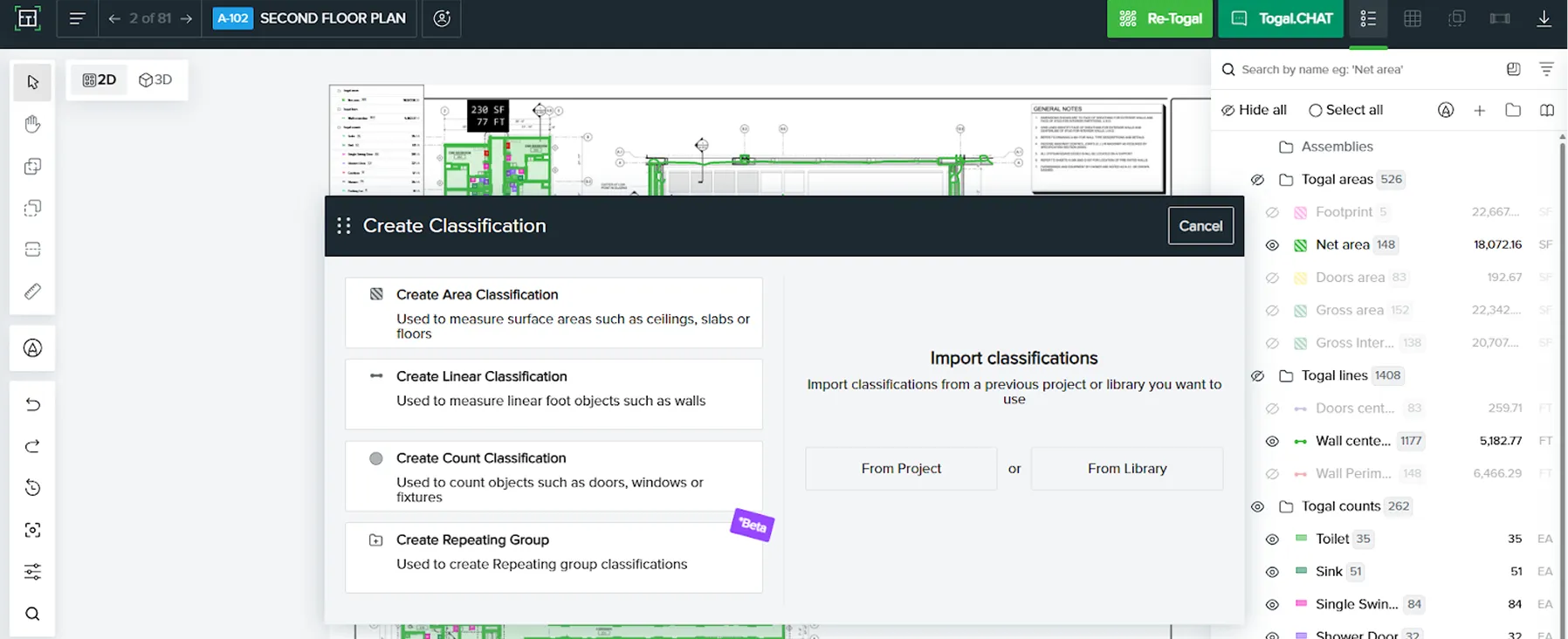
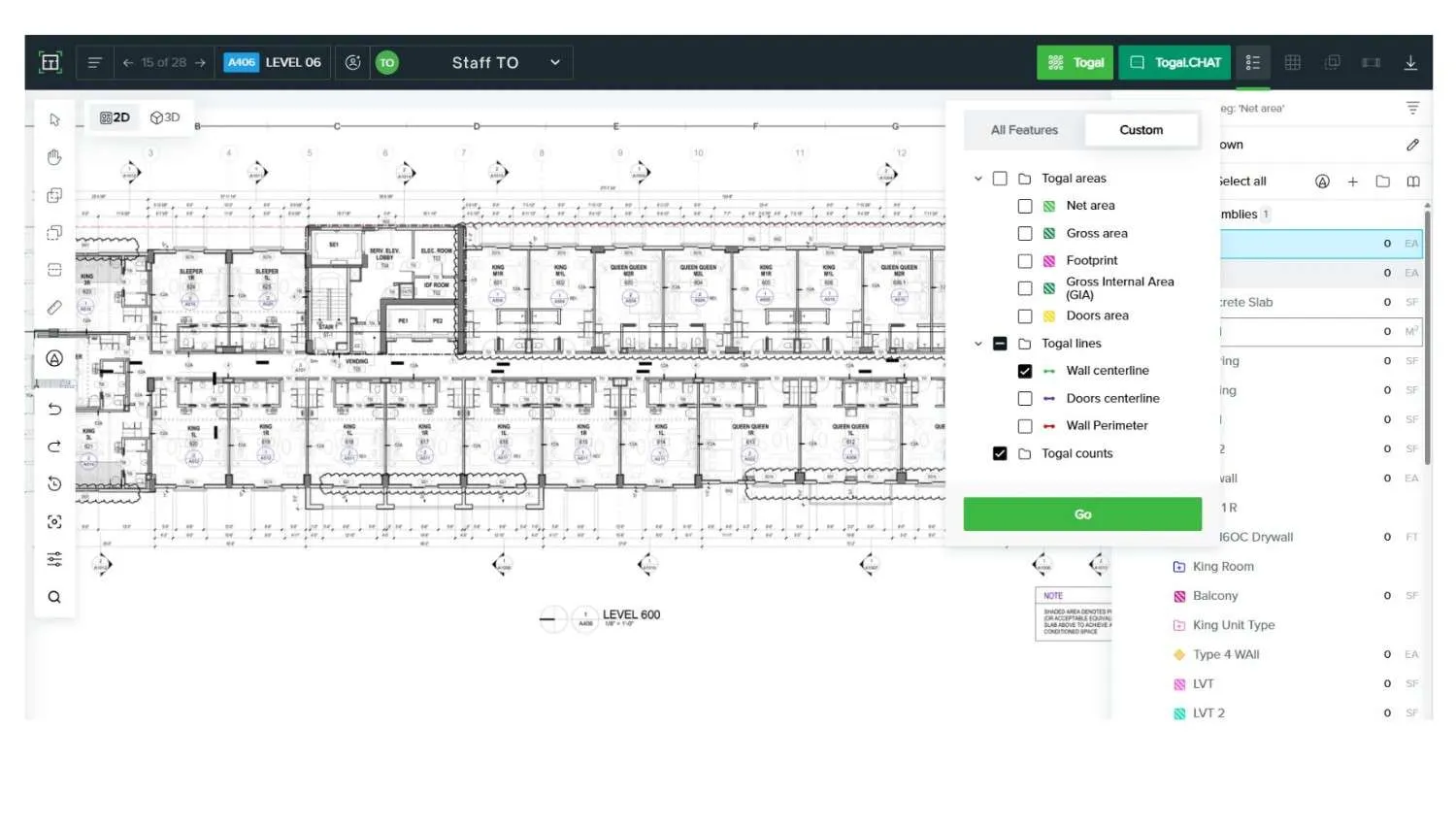
Press the green Togal button and painting takeoffs run across the whole plan set. Walls, ceilings, baseboards, trim, doors and doorframes get detected and measured together, so a room is measured once rather than three times.
You stay the captain of the ship: Togal produces the surface area, your estimator applies production rates and cost.
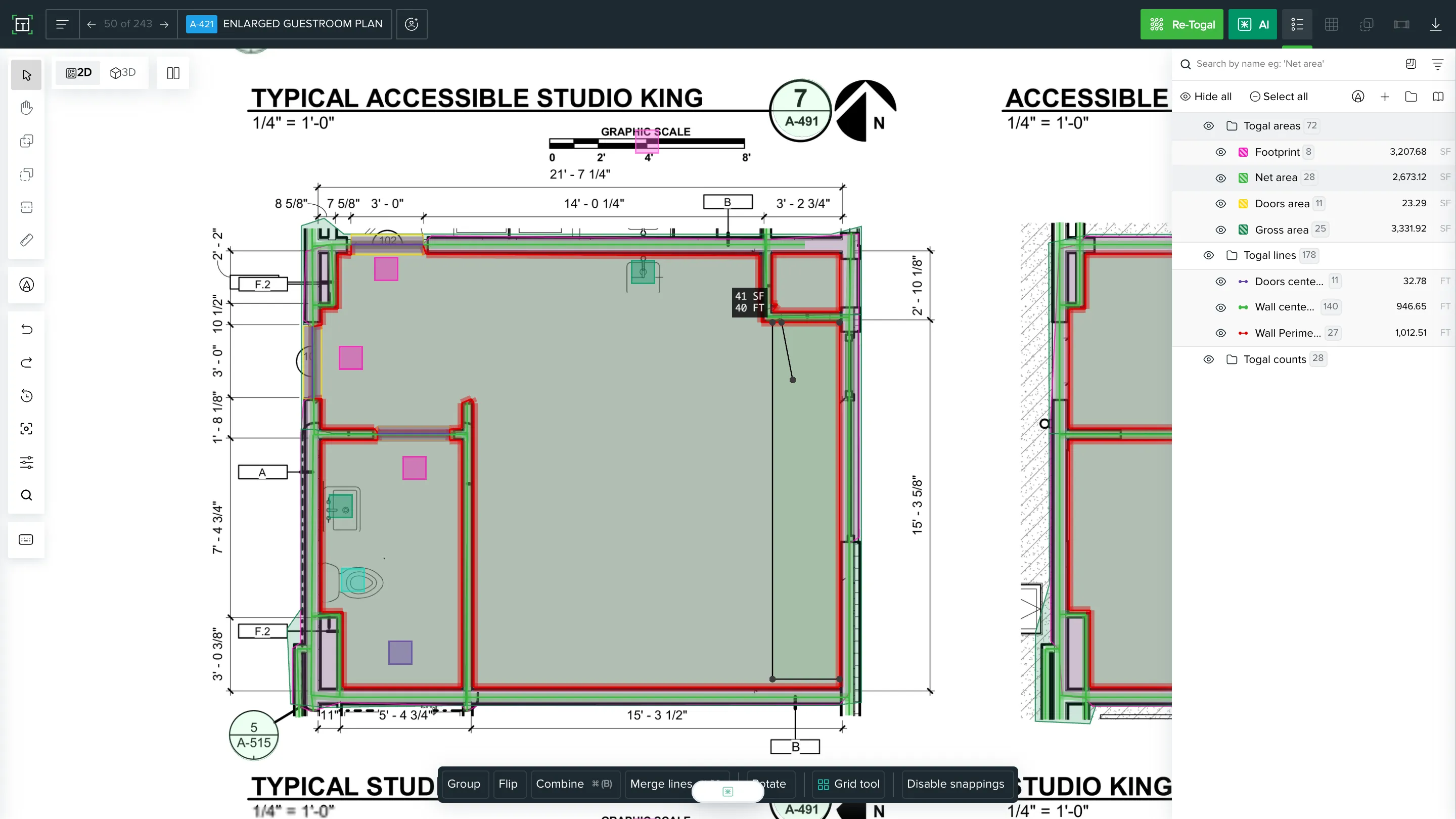
Split a room without redrawing it
Not every room has one finish. The split tool lets your estimator divide a space into separate finishes without starting the takeoff over.
Split an accent wall or wallcovering section from the rest of the room
Cut, merge, and arc areas on top of the automated takeoff
Correct a classification without redrawing the room
Find every paint tag across the set
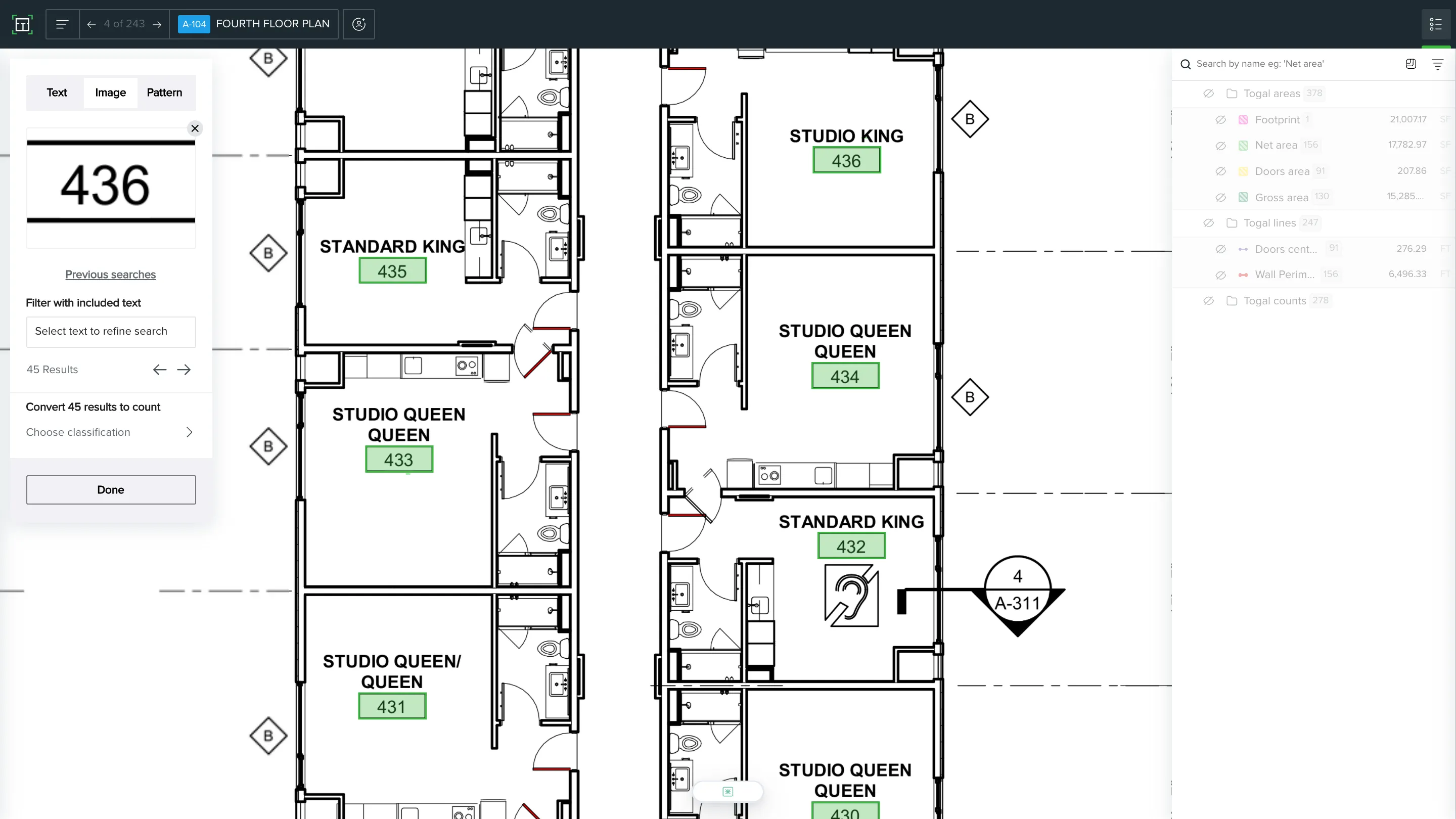
Finding a paint tag shouldn't mean opening every sheet one by one.
Text Search and Image Search work like Ctrl+F across the drawings, in any file format, including scans that were never proper PDFs. Search a paint type tag and every wall and ceiling carrying it lights up across the set. Box a wallcovering pattern on one sheet and Togal finds it everywhere else.
Classify once, price consistently
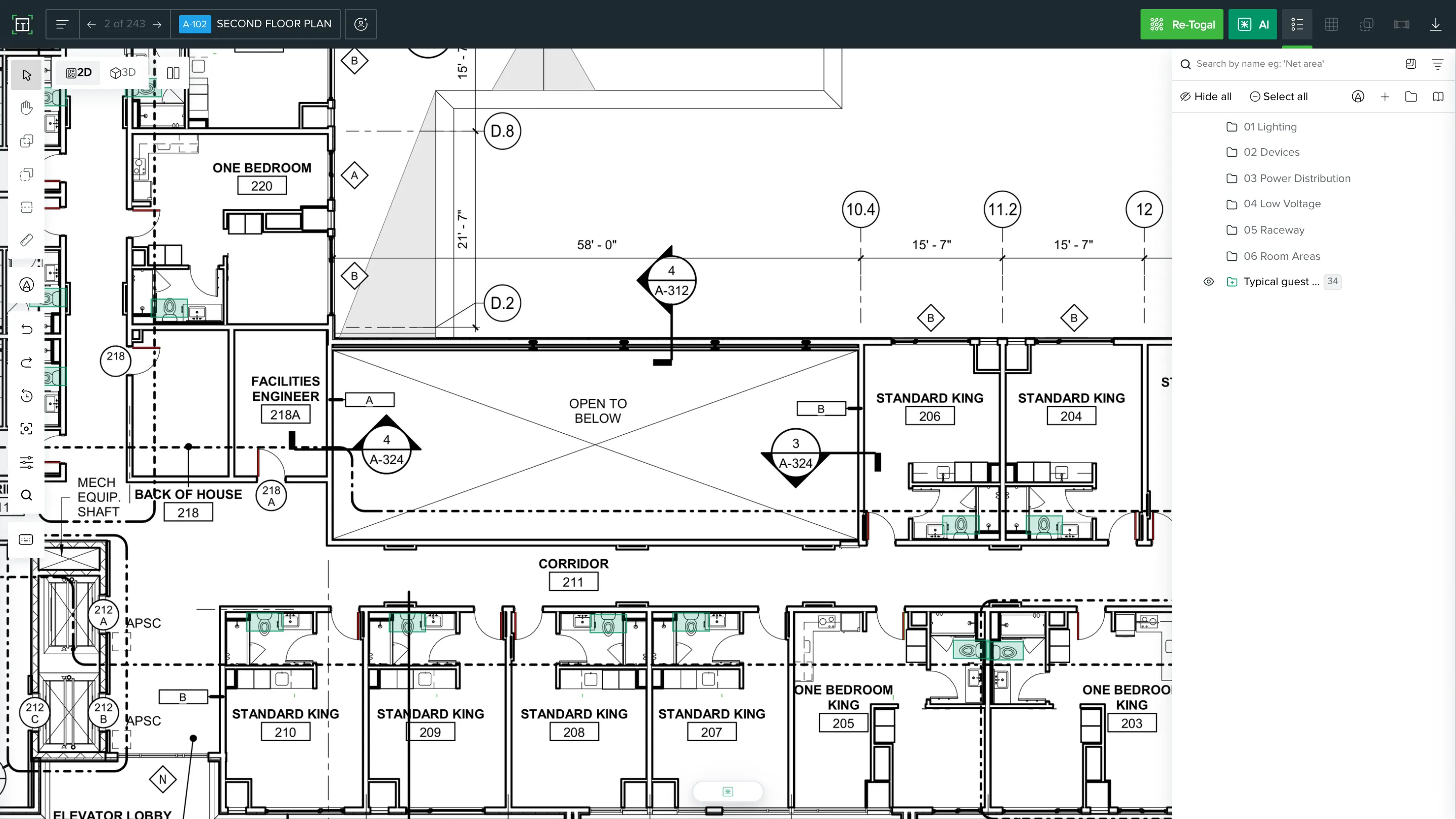
Repeating Groups applies a finish across every space that shares it.
Take off one room type once, then apply it to every matching instance in the building
Push a paint spec across every space in that group in a single action
Change a finish once and it updates everywhere the group appears
Everything Togal measures for painting estimating
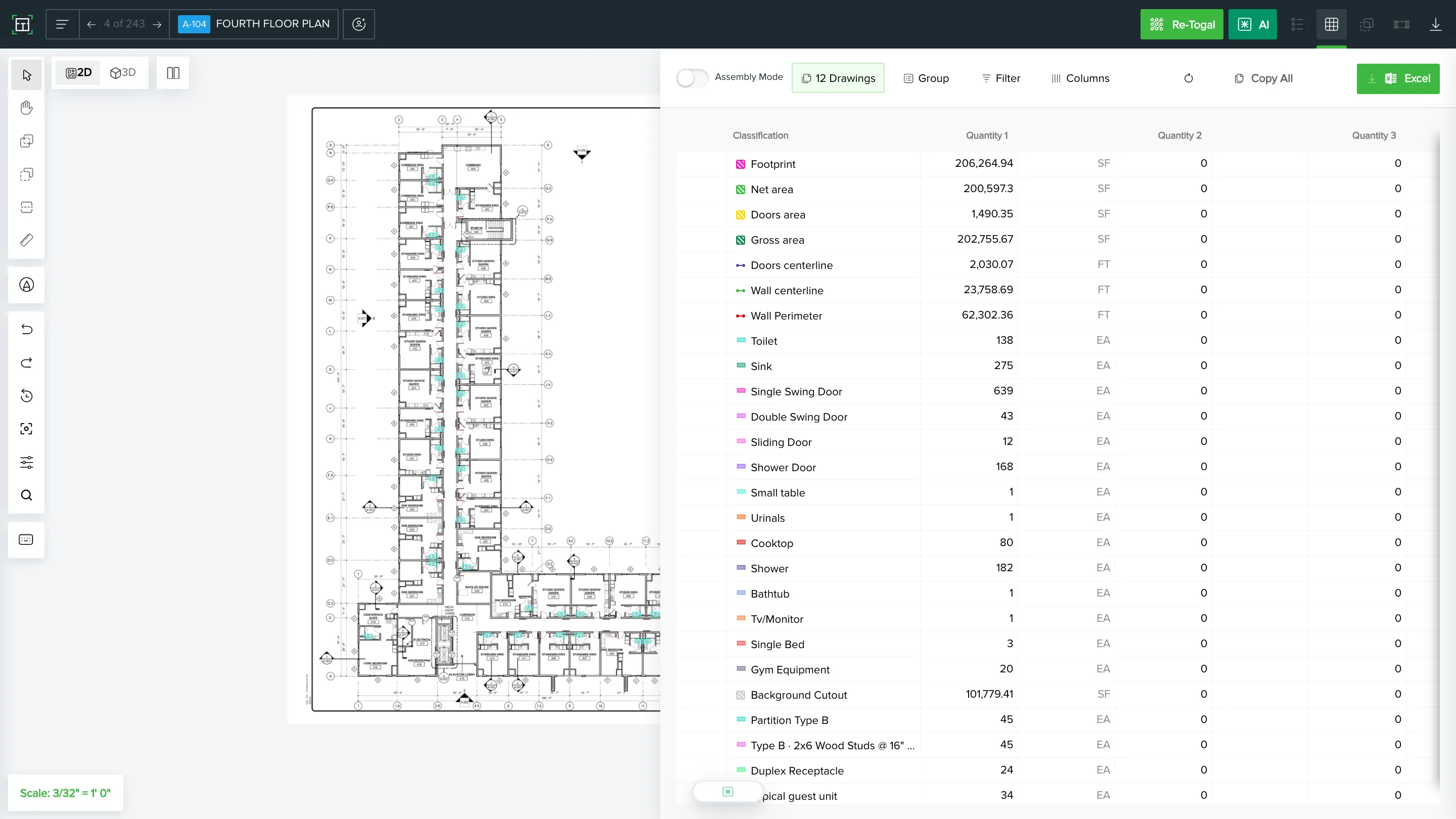
Accurate estimates start with knowing exactly what the software picks up. Here is what Togal measures and counts across a painting project.
Wall and ceiling surfaces
✓ Wall areas by room and by finish
✓ Ceiling areas, including varied heights read in 3D
✓ Accent walls and split-finish surfaces
✓ Exterior walls and elevations
✓ Wallcovering areas
Linear work
✓ Baseboard runs
✓ Trim and casing
✓ Crown and cornice
✓ Handrails and linear specialty items
Openings and counts
✓ Door counts by type
✓ Doorframe counts
✓ Window and frame counts
✓ Deductions for openings
Classification and spec
✓ Paint type tags across the full drawing set
✓ Finish schedules by room type
✓ Repeating room types grouped and specced together
✓ Material quantities by finish classification
Revisions and addenda
✓ Finish schedule changes between issues
✓ Surfaces added, removed or reassigned
✓ Square footage swing from one set to the next
Where your painting numbers go next
Square footage and linear runs come out of Togal ready to price. Nothing gets keyed twice between takeoff and estimating, wherever you apply production rates.
Excel export
Surfaces and linear work land grouped and filtered as line items, in the layout your pricing sheet already expects.
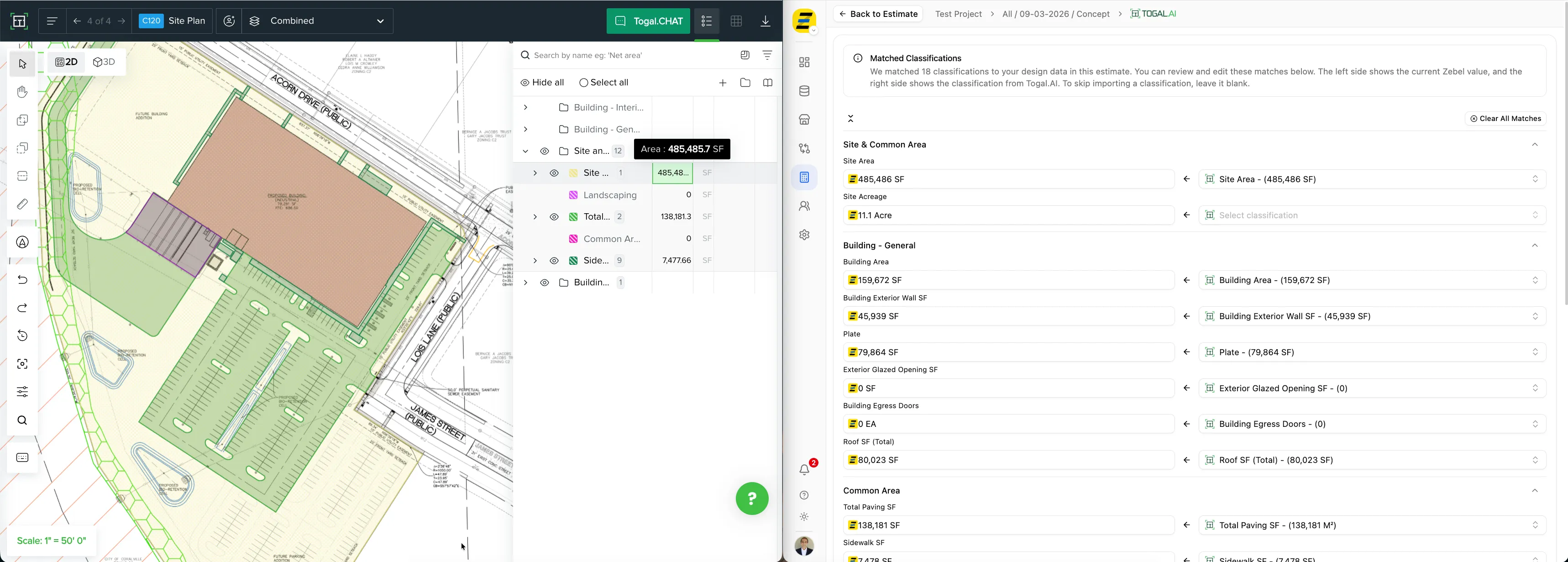
Zebel
Send quantities across for conceptual pricing and benchmarking against past painting jobs.
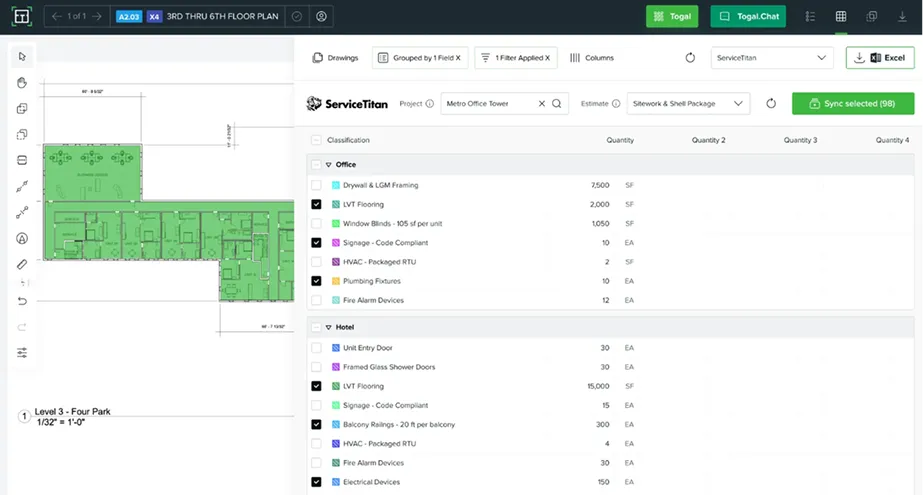
ServiceTitan
Carry measured surfaces into your service and operations side without re-entry.
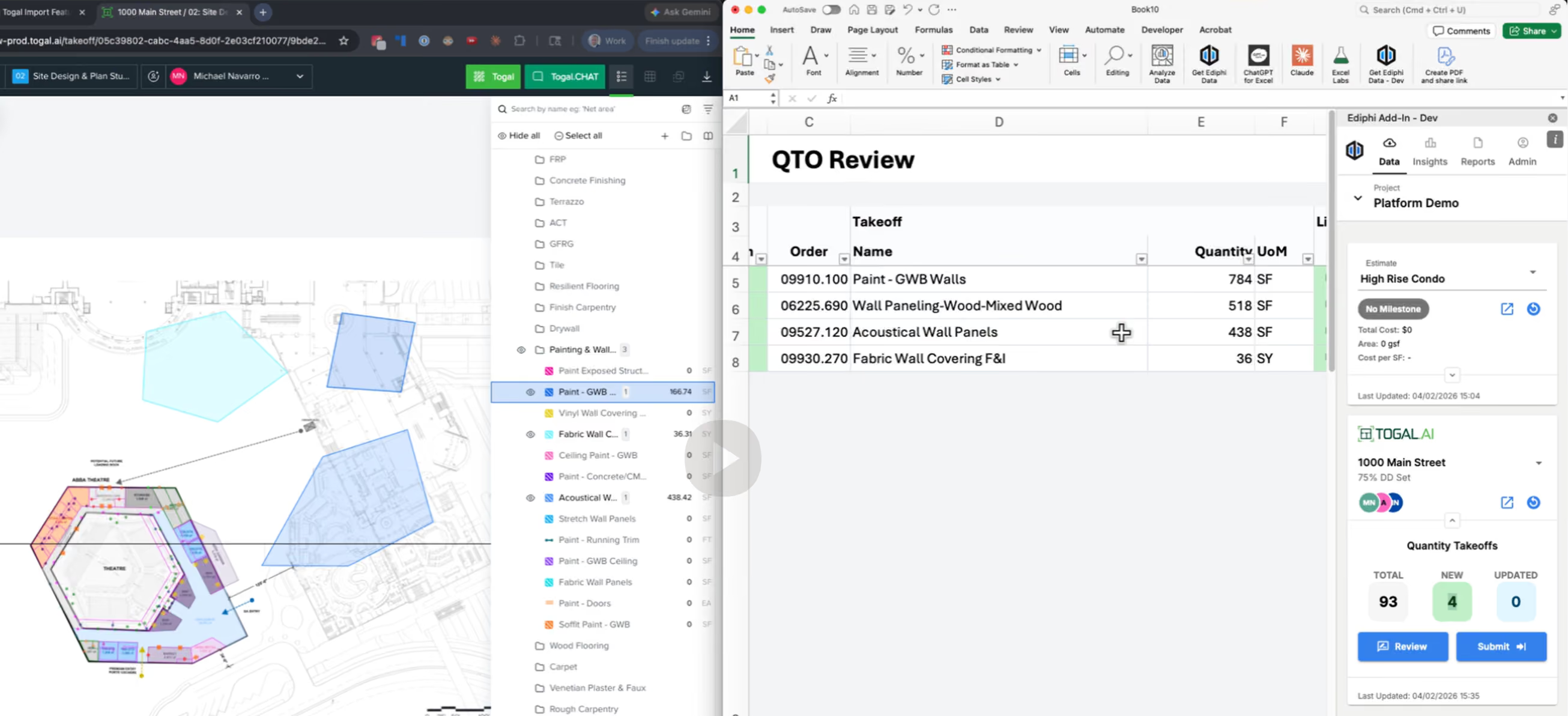
Ediphi
Quantities flow into the estimate build, so a revised finish schedule updates the price.
More of what painting estimators use daily
Multiple users, one takeoff
Put the estimator, the project manager and the field lead in the same file, each with the access you decide.
Drawing comparison
Addendum three changed the finish schedule. Compare the sets and see which surfaces moved before you reprice them.
Mobile access
Walk the job site in the morning, price it from the truck that afternoon. iPad, laptop, whatever is with you.
Every common file type
Scanned drawings, photographed sheets, whatever the GC actually sent. Upload it as it arrives.
3D visualization
Give the crew a view of which surface takes which finish, so nobody coats the wrong wall.
Togal.CHAT
Put a question to your own specs. Coat counts, warranty terms, application instructions, answered from the documents you uploaded.
Which painting companies gain the most from Togal
Painting is the trade Togal lands fastest. Across the painting industry, wherever bid count sets the ceiling on the year, the return shows up in the first month.



Results painting contractors have measured
Comparing painting takeoff tools on price and control
Questions painting estimators ask